
How to Make AI Writing Sound More Human: 7 Mistakes
AI tools like ChatGPT and Claude have changed how people write, but raw AI text often feels flat, predictable and overly formal. To fix this, many writers reword their drafts, and some end up making them worse. If you want to know how to make AI writing sound more human, start by avoiding the seven mistakes below. Each one comes with a simple fix.
The Rise of AI Humanization and Its Common Pitfalls
Humanization means adjusting structure, tone and vocabulary to remove robotic patterns. The goal is text that sounds natural and authentic. But a careless editing process often gives you the opposite result.
Here are seven common AI humanizer mistakes, and how to fix each one.
1. Over-Humanizing Content to the Point of Slang
One of the biggest blunders is over-humanizing content. To get rid of robotic patterns, writers force slang, odd idioms or heavy casual jargon into professional drafts. The result sounds fake in a different way.
The Fix
Aim for clarity and warmth, not forced informality.
- Use standard contractions like don't and it's.
- Write directly to the reader with "you".
- Keep the tone conversational but professional.
2. Ignoring Sentence Length Variation (Monotonous Rhythm)
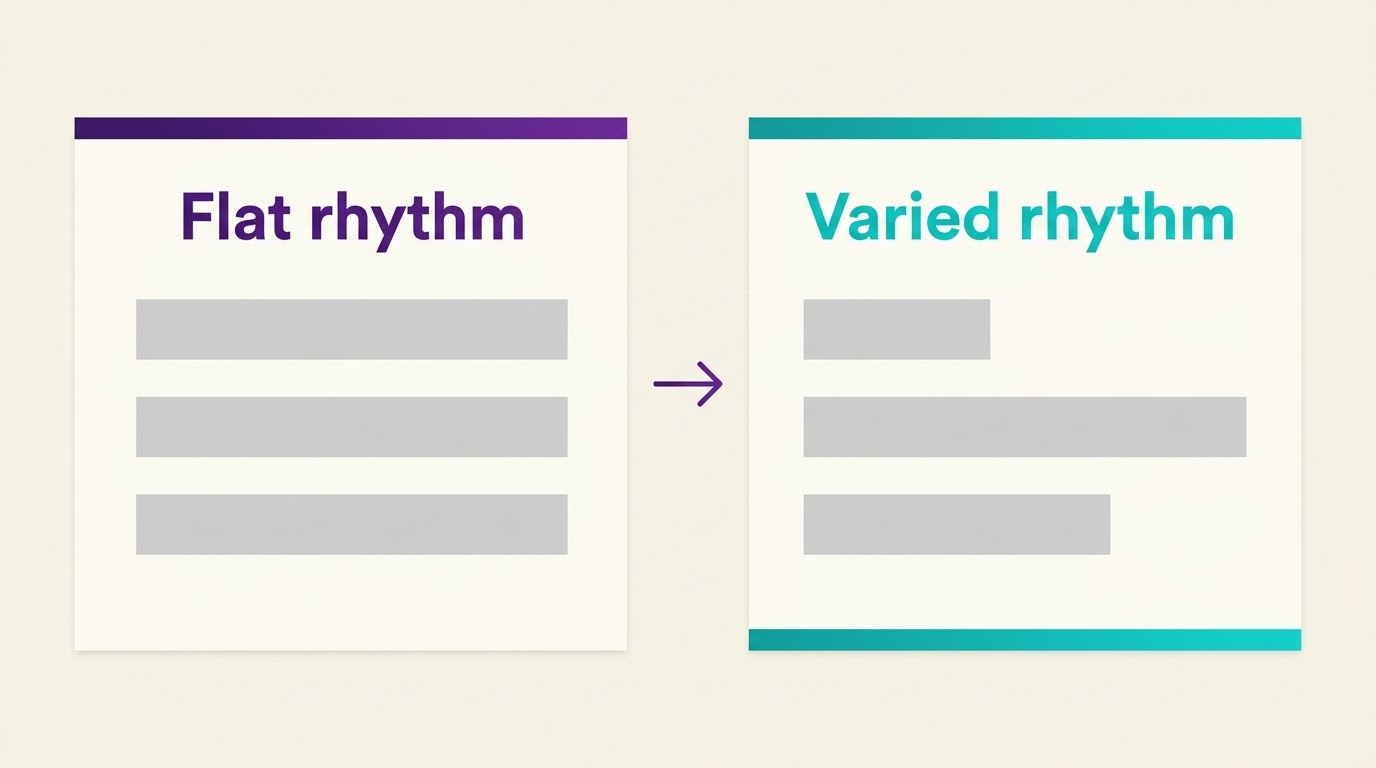
AI language models write based on statistical probability. This often gives you sentences of nearly the same length in every paragraph. When every sentence runs 15 to 20 words, the text feels repetitive and tiring to read.
The Fix
Use deliberate sentence length variation. Mix short, punchy statements with longer, more descriptive ones.
| Version | Example |
|---|---|
| Before (flat rhythm) | Artificial intelligence creates content quickly. It uses advanced predictive text models. Writers must edit the output carefully. |
| After (varied rhythm) | AI creates content in seconds. However, because it relies on predictive algorithms, writers must carefully edit every draft. |
3. Keeping Clichéd "Robotic Phrasing" and Jargon
Generative models lean on certain transition words and buzzwords. Terms like "delve," "testament," "tapestry," "beacon" and "in today's digital landscape" quickly signal automated text.
| Overused AI Words | Natural Human Swap |
|---|---|
| Delve into | Explore / Examine |
| Leverage | Use / Apply |
| Furthermore / Moreover | Also / Plus |
| Testament to | Shows / Proves |
The Fix
Scan your draft for these phrases to avoid robotic phrasing. Replace corporate buzzwords and academic filler with everyday language.
4. Panicking Over AI Detection False Positives
A common misconception is that AI detectors always tell the truth. Detection software works on probability signals such as perplexity and burstiness. It does not prove where a text came from. Highly structured human writing often triggers AI detection false positives. If you want to see how these tools score text, read our guide on how AI detectors actually work.
The Fix
Put reader value ahead of chasing a 0% detection score. If a paragraph reads naturally, gives accurate information and keeps your audience engaged, don't mangle the syntax just to please an algorithm.
5. Failing to Add First-Hand Experience and Original Data
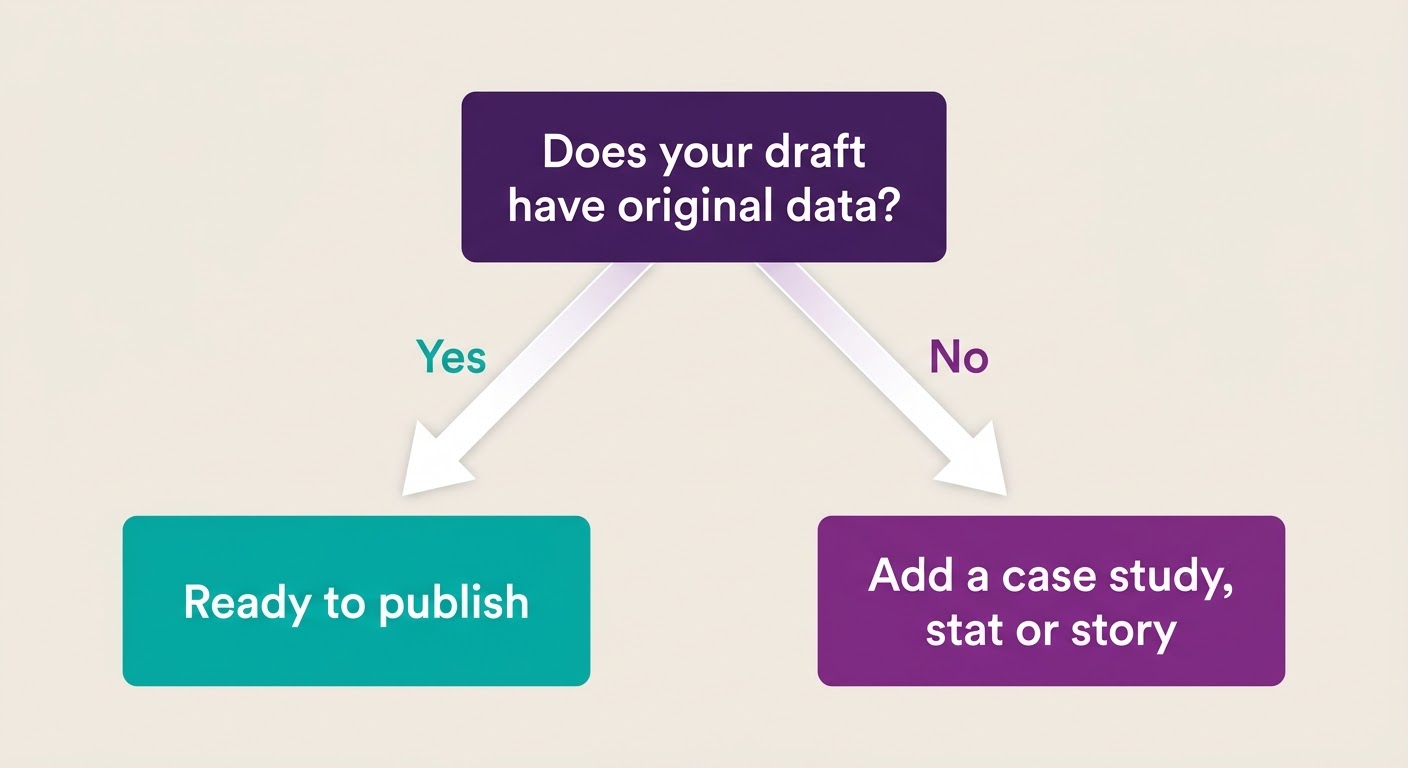
AI tools combine information that already exists on the web. They can't offer real personal insight, unique case studies or your own research. An article that stays a purely theoretical overview is a major quality problem.
The Fix
Add original value to every draft:
- Include first-person experience, such as what you tried and what happened.
- Add custom charts, screenshots or original survey data.
- Quote industry experts to give the piece authority.
6. Blindly Trusting Automated Rewording Software
Relying on a rewriting tool with no manual check often backfires. Automated rewriters can change technical definitions, lose context or add grammar errors while they scramble sentence structure.
A tool like Ryne's AI humanizer is a good way to get a first pass done fast. But a first pass is not a finished article. You still need to review it yourself.
The Fix
Treat software as an assistant, not the final editor. Do a careful manual review:
- Read the text aloud to check how it flows when spoken.
- Fact-check every statistic, date and technical claim.
- Make sure the formatting (bullets, bold text, tables) helps readability.
For a full step-by-step process, see our complete guide to humanizing AI content.
7. Stripping Out Structural Formatting and Visual Elements
AI tools often output dense blocks of uniform text. When humanizing, some writers remove headings, bullet points and clean visual structure. That makes the content hard to scan for online readers.
The Fix
Use a visual-first layout:
- Break up text with bold, standalone subheadings.
- Use tables to compare numbers or options.
- Use bulleted lists for sequential steps or key takeaways.
Summary: Wrong vs. Right Humanization Approach
| Editing Dimension | Incorrect Approach (Mistake) | Correct Approach (Best Practice) |
|---|---|---|
| Tone & Style | Forcing heavy slang and informal jargon | Clear, conversational language in active voice |
| Rhythm | Same sentence length throughout a paragraph | Short, punchy statements mixed with longer detail |
| Vocabulary | Keeping buzzwords like "delve" and "tapestry" | Replacing filler with direct, everyday words |
| Verification | Blindly trusting automated rewriters | Fact-checking and reading the text aloud |
Conclusion
Humanizing AI content is not about tricking detection algorithms. It is about giving real readers clear, engaging and trustworthy content. Avoid the common mistakes here: over-casual tone, flat sentence rhythm and robotic buzzwords. Then combine the speed of AI tools with your own insight and careful editing.
If you want to compare tools before you pick one, see our list of the best AI humanizers.