
How to Humanize AI Content for Online Course Creators
Generative artificial intelligence has permanently transformed e-learning content creation. With a well-crafted prompt, modern educator AI tools can generate complete module frameworks, lesson scripts, and quiz banks in seconds.
However, relying strictly on unedited machine output introduces severe pedagogical risks. Raw AI output often sounds robotic, repetitive, and clinical. It lacks the conversational warmth, instructor voice, and practical nuance that keep online learners engaged.
If you want to build high-impact learning experiences, learning how to humanize AI course content is essential. Transforming raw machine drafts into relatable, empathetic teaching material ensures your LMS content writing connects with students while saving you hours of manual production time.
The Invisible Cost of Generic AI Text in E-Learning
While instructional design AI tools accelerate preliminary drafting, automated content often flattens complex ideas and removes essential human context.
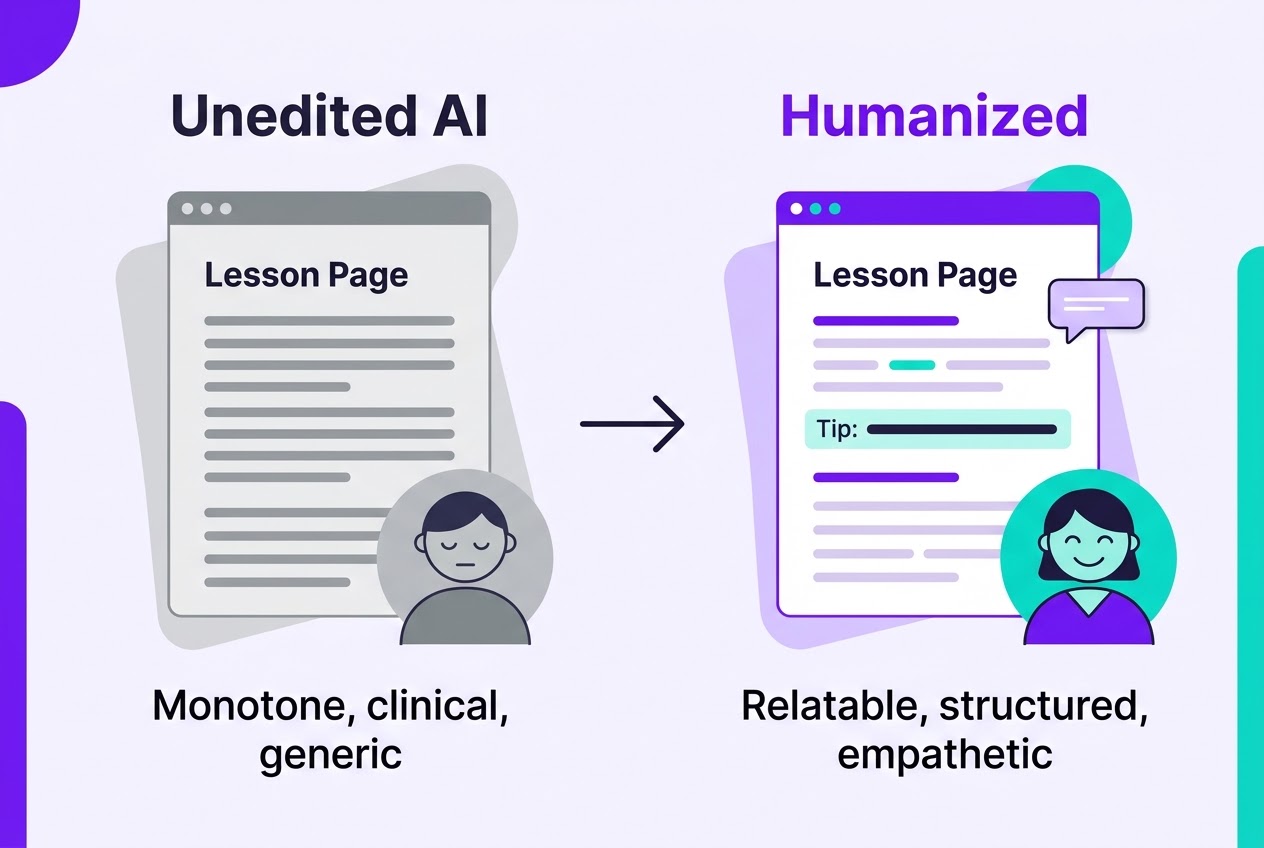
When students read raw AI text inside a Learning Management System (LMS), three major problems occur:
- Cognitive Fatigue: Uniform sentence structures and repetitive phrasing cause readers to zone out quickly.
- Loss of Instructor Credibility: Overused AI terms (e.g., "In today's fast-paced digital era," "Delve into," "Testament to") make courses feel templated and unoriginal.
- Pedagogical Gaps: Raw algorithms summarize facts efficiently, but they fail to anticipate common student misconceptions or provide real-world problem-solving context.
Understanding AI in education ethics means treating software as an administrative assistant, never as the lead educator.
4-Step Framework to Humanize AI Course Content
To convert raw machine output into authoritative, student-centered material, apply this four-stage editorial pipeline.
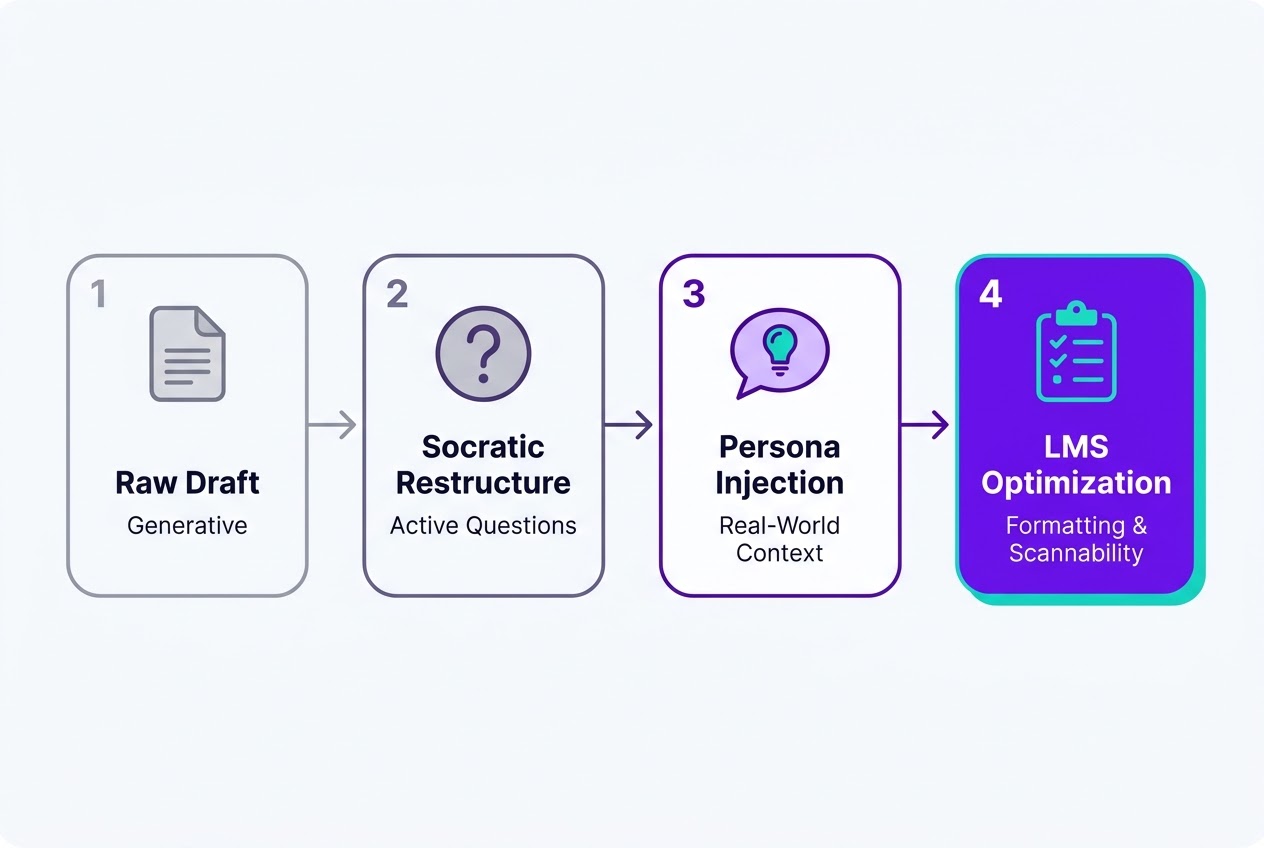
1. Disrupt Monotone Machine Syntax (Perplexity & Burstiness)
Algorithms generate content by statistically predicting the next word in a sequence. This often produces sentences of similar length and predictable text patterns. Human instructors naturally adjust their speaking rhythm, mixing short, punchy statements with detailed explanations to keep students' attention.
| Content Attribute | Generic AI Output Pattern | Humanized Educator Pattern |
|---|---|---|
| Sentence Length | Often uniform, with similar-length sentences | Dynamic: short hooks balanced with longer explanations |
| Tone & Register | Overly formal, academic, or detached | Conversational, supportive, and accessible |
| Transitions | Predictable ("Furthermore," "Moreover") | Natural ("Here's why this matters," "Let's test this out") |
2. Inject Socratic Dialogue into Online Course Scripts
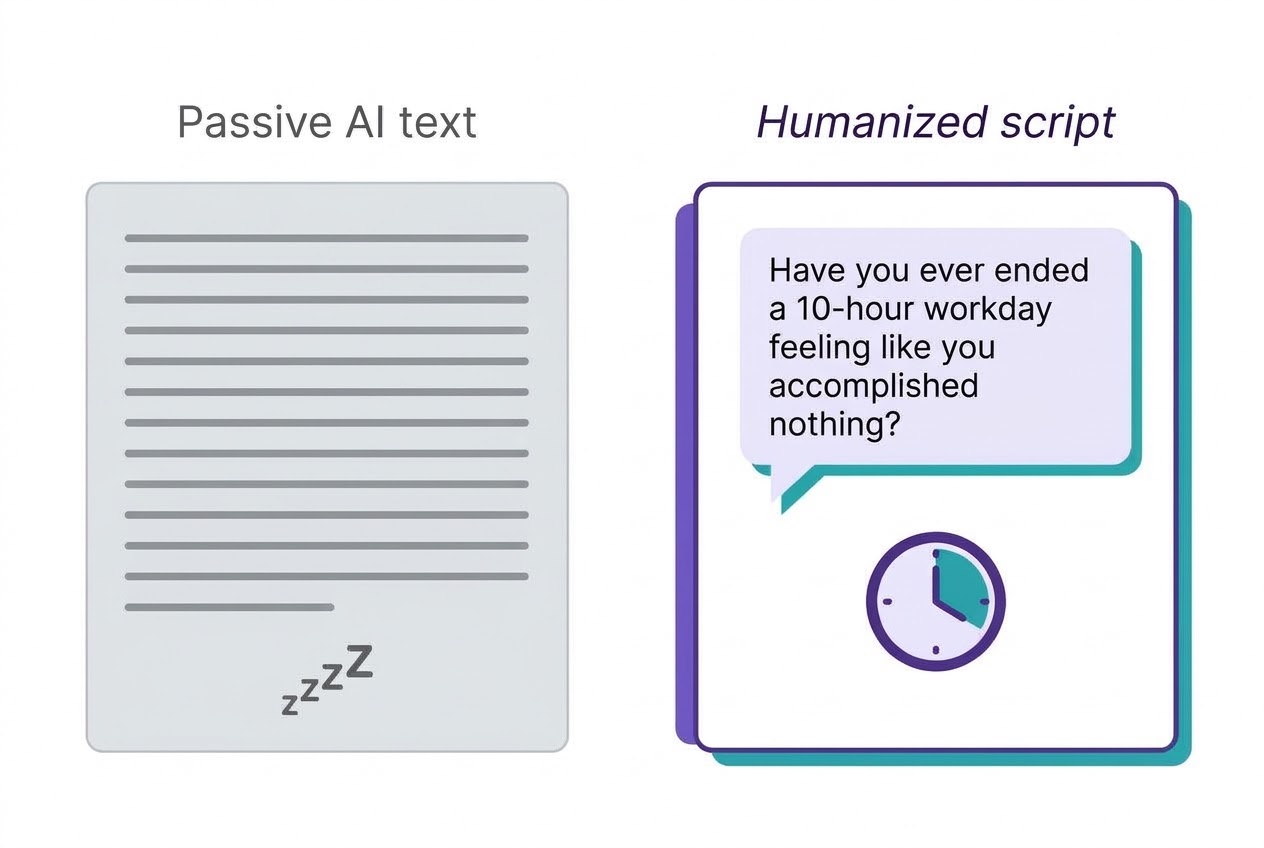
When writing online course scripts, avoid delivering flat informational lectures. Convert passive paragraphs into active learning moments by adding reflective questions, practical prompts, and direct address ("you" and "we").
Passive AI text:
"Time-blocking is an effective technique used by remote workers to prevent cognitive overload and maintain productivity."
Humanized Socratic script:
"Have you ever ended a 10-hour workday feeling like you accomplished nothing? You aren't alone. Let's look at how targeted time-blocking fixes this exact issue."
3. Anchor Concepts with Personal Case Studies
While generative AI specializes in broad generalizations, real learning happens through specific examples. Every time an algorithm introduces a core theory, manually enrich the explanation with:
- A personal case study or hard-won insight from your industry experience.
- Common student pitfalls and misconceptions regarding the concept.
- Annotated visual assets, downloadable checklists, or action plans to expand understanding.
4. Optimize Tone for Student Retention
When you work to humanize lesson plans and course modules, prioritize tone balance as your primary engagement mechanic. Aim for three things:
- Persona: Encouraging, practical, and authoritative.
- Language: Clear, active voice, free of academic fluff.
- Focus: Direct application over theory.
Step-by-Step Editorial Workflow for Online Educators
Use this operational sequence to optimize each section of an LMS course draft before publishing.
Step 1: Generate the Core Structural Outline
Before drafting lesson passages, use educator AI tools to develop a working outline. Align your prompt with module learning objectives to generate essential topics and supporting subtopics cleanly.
Step 2: Perform a Fact-Checking Audit
Artificial intelligence frequently generates plausible-sounding false information (hallucinations), particularly when working with theoretical or numeric data. Thoroughly verify every statistic, historical reference, code snippet, and citation against primary sources.
Step 3: Rewrite in Your Voice and Polish
Rewrite each section in your own instructor voice, adding your stories and examples. If a draft still sounds stiff, an AI humanizer like Ryne can help smooth the rhythm and wording, so you spend your time on the parts only you can add: your experience and your students' real problems.
Then run the draft through proofreading software like Paperpal or Grammarly. These tools fix basic grammatical issues, eliminate passive voice clutter, and simplify complex phrasing while preserving your unique teaching voice.
Step 4: Enhance Visual Scannability
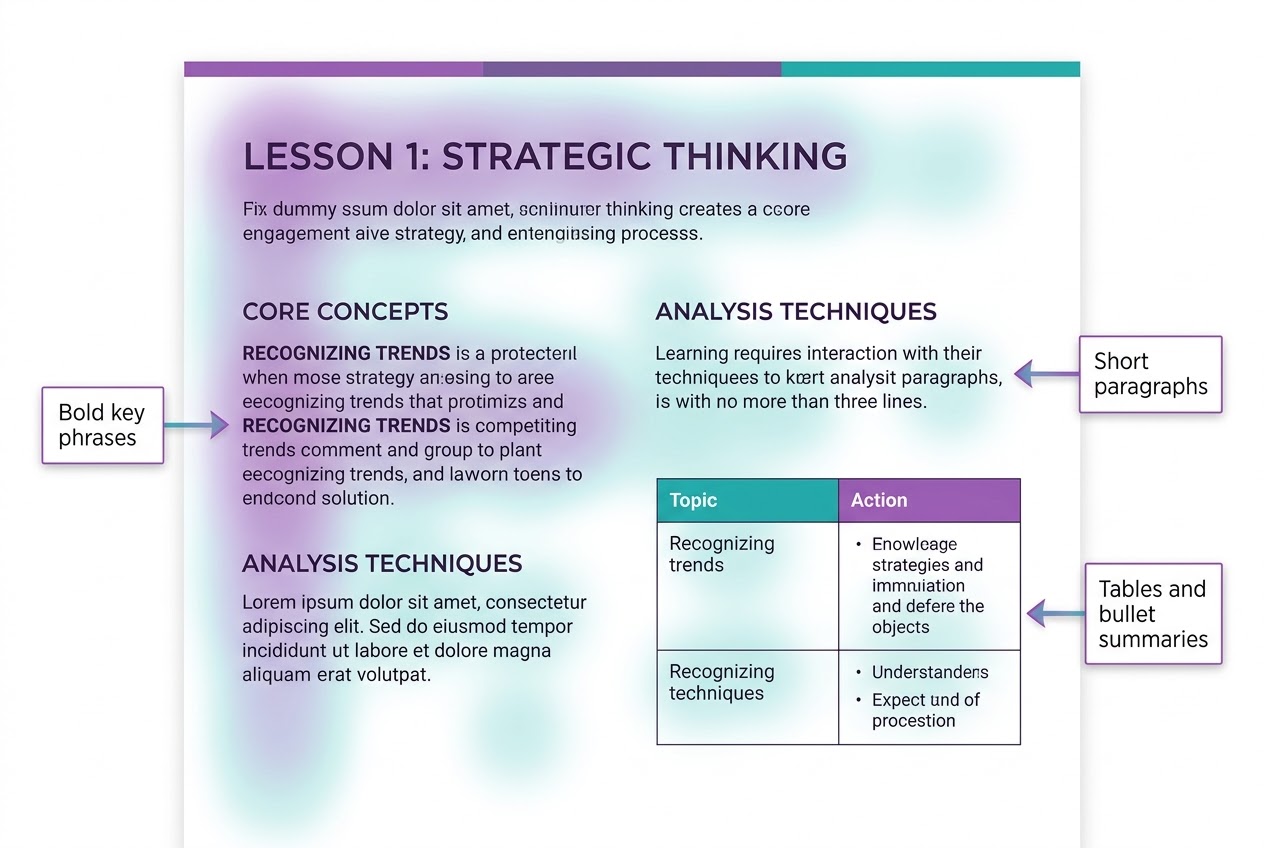
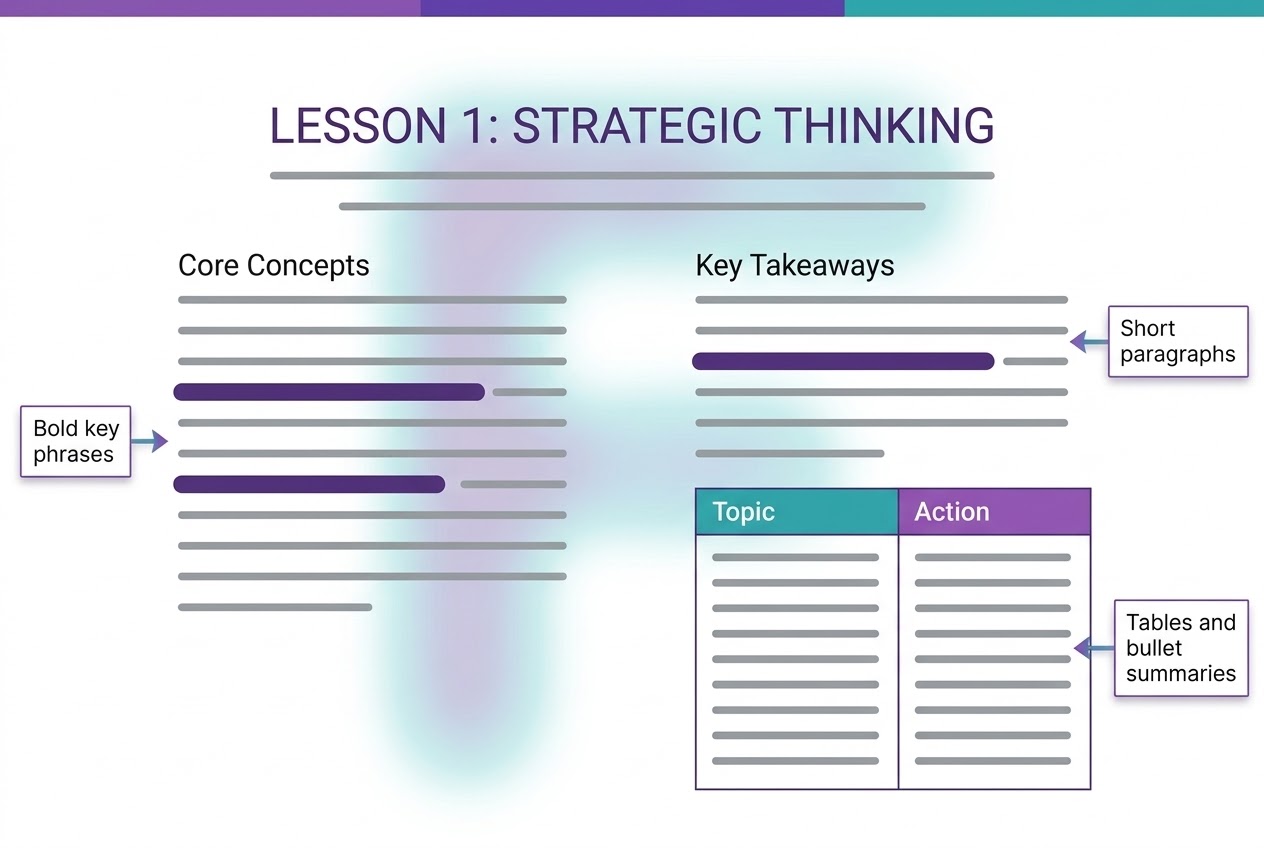
Digital learners scan web pages in an F-pattern, absorbing information faster when content is formatted cleanly. Balance scannability and readability across your LMS content writing using key visual elements:
- Bold key phrases to emphasize critical takeaways.
- Short, digestible paragraphs (2 to 4 lines maximum).
- Markdown tables for side-by-side concept comparisons.
- Bulleted summary points at the end of each lesson.
Essential Best Practices for Ethical AI Use in Education
Maintaining quality, transparency, and ethical standards ensures long-term trust with your audience:
- Keep Intellectual Ownership: Treat AI as a research and outline assistant while maintaining primary authorship over the final text.
- Align with Learning Outcomes: Evaluate all educational content against the core learning objectives of your course.
- Disclose Tool Usage: Maintain transparency by communicating your content creation standards and tool usage when appropriate.
- Gather Student Feedback: Analyze student performance data and collect direct feedback to identify modules that need additional humanization and context.
Summary
Generative artificial intelligence has fundamentally reshaped online learning production, but educational impact depends entirely on human connection. By combining efficient AI drafting with strategic humanization, instructors can achieve high productivity while delivering genuine mentorship, clarity, and value to their students. If you want a faster way to smooth out rough drafts, you can try Ryne's AI humanizer and then add your own voice on top.