Ryne Logo

What's New

New updates and improvements to Ryne.

Changelog for v3.6.0 — 7 New Power-Ups, One Unified Design System

Changelog for v3.6.0 — 7 New Power-Ups, One Unified Design System

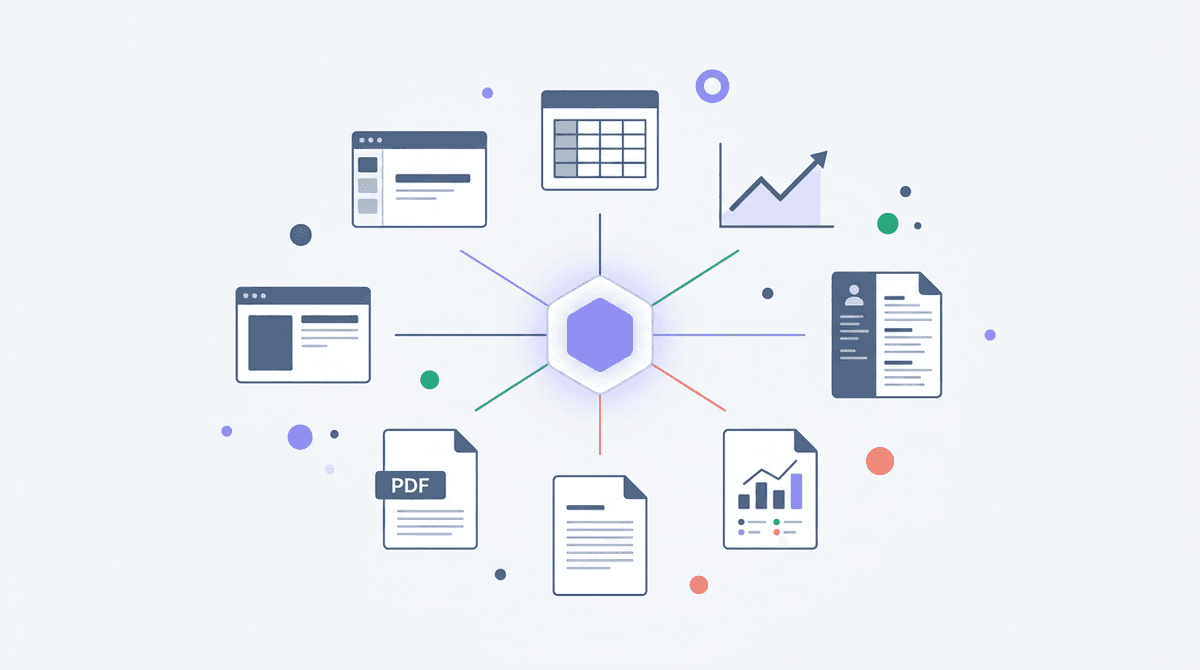
Ryne Chat just got a lot more powerful. After the v3.5 rebuild, we're shipping 7 new power-ups that turn the chat into a full creative workspace — presentations, spreadsheets, reports, resumes, charts, math solving, and deep research — all generated right inside the conversation.

🧰 7 New Power-Ups

The original power-ups let Ryne search the web, generate images, run code, and pull citations. Now there's a whole new category: Generators — power-ups that create polished, downloadable files from a single prompt.

📊 PowerPoint

Tell Ryne what you need and get a complete .pptx deck — not a wall of bullet points on white slides. Every presentation uses intentional slide archetypes (hero, stat highlights, timelines, comparisons, case studies) with metric cards, callout boxes, icon bullets, and proper visual hierarchy.

"Use the PowerPoint power-up to create a Series A pitch deck for an AI customer support startup"

📋 Spreadsheet

Generate formatted .xlsx files with styled headers, alternating row colors, auto-filters, frozen panes, SUM/AVERAGE formulas, conditional formatting, and embedded charts. Ryne uses xlsxwriter so the output opens clean in Excel, Google Sheets, or Numbers.

"@Spreadsheet monthly budget tracker with categories for housing, food, transport, and savings"

📄 PDF Report

Get editorial-quality PDF reports rendered from HTML/CSS via WeasyPrint — cover pages, section headers with accent underlines, styled tables, callout boxes, page numbers, and multi-page layouts. If WeasyPrint isn't available, it falls back to ReportLab automatically.

"@PDF-Report market analysis on EV charging infrastructure in North America"

👤 Resume

Create polished, ATS-friendly resumes in four layout variants — Modern Professional, Executive, Creative, and Academic — each tailored to different industries. Sidebar layouts, skills sections, quantified achievements, proper typography.

"@Resume senior software engineer with 6 years at Stripe and Datadog, specializing in Go and distributed systems"

📈 Chart

Generate publication-ready charts and visualizations. Ryne defaults to Plotly for crisp, well-labeled output with branded color themes, annotations, trend lines, and source footnotes. Falls back to Matplotlib if needed.

"@Chart monthly revenue growth from $1.2M to $3.1M over 2024, annotate when we crossed $2M"

🧮 Solve

Step-by-step math and science problem solving with visual output. Powered by SymPy for symbolic work (solve, integrate, differentiate, limits, and related steps) plus matplotlib for figures — with rendered solution steps you can follow.

"@Solve integrate x² · sin(x) dx"

🔬 Deep Research

Deep Research has been completely upgraded with a structured 4-phase methodology: research planning, targeted multi-query search strategy, source quality scoring, and synthesis with executive summaries, data tables, expert perspectives, and full citations. Every claim requires 2+ independent sources.

"@Deep-Research compare React vs Vue for production apps in 2026"

🎨 Unified Design System

Generated artifacts share a coherent visual language. The design system includes five curated palettes (Ocean, Ember, Forest, Slate, Royal), slide archetypes and chart colors for decks and figures, resume layout variants, and shared QA rubrics — so instructions stay consistent across generators.

The result: a pitch deck and its companion spreadsheet can look like they belong together.

✨ Redesigned Power-Ups Selector

The old dropdown is gone. The new power-ups menu is a full panel with:

  • Category sidebar — Browse by Search, Create, Analyze, or Generators
  • Detail view — Tap any power-up to see what it does, example prompts to try, and a one-tap enable/disable toggle
  • Search — Filter across all power-ups instantly
  • Responsive — Opens as a dialog on desktop, a drawer on mobile

🛠️ Under the Hood

  • Smarter tool guidance — The system prompt now directs the model to use the right libraries (xlsxwriter over openpyxl for new spreadsheets, WeasyPrint over ReportLab for PDFs, Plotly over Matplotlib for charts) with proper fallback chains
  • Chat cache syncing — Conversations stay in sync across tabs and sessions
  • Reasoning expansion — The thinking/reasoning toggle now syncs with streaming state so it expands smoothly while the response is still generating
  • Image URL consolidation — Cleaner handling of image attachments across chat messages

Every power-up works with @mentions — type @ in the message box, pick a power-up, describe what you want, and Ryne handles the rest. Mix and match them in a single conversation.

Ryne Team 💎

Changelog for v3.5.0 — Ryne Chat, Rebuilt From the Ground Up

Changelog for v3.5.0 — Ryne Chat, Rebuilt From the Ground Up

We didn't update Ryne Chat. We rewrote it. Every line, every interaction, every piece of the streaming engine — rebuilt from scratch to fix the things that frustrated you and unlock what wasn't possible before.

Here's everything that changed.

⚡ Brand-New Streaming Engine

The old chat had one job: send a message, wait for a response, hope nothing breaks. The new engine is a completely different beast.

  • Stream multiple chats at once — Run lots of conversations simultaneously, all streaming in real-time. Switch between them freely. Every stream is independently managed.
  • Responses that survive anything — Close your tab, lose wifi, laptop dies — it doesn't matter. When you come back, your response picks up exactly where it left off. Powered by a resumable streaming system that keeps your responses safe in the background, even if your browser isn't there to receive them.

🚀 Power-Ups — Superpowers Inside the Conversation

This is the big one. Ryne Chat is no longer just a chatbot. It's a full workspace. Power-ups are built-in capabilities that let Ryne take real actions during your conversation — search the web, generate images, run code, pull citations, and more — all without leaving the chat.

Available power-ups:

  • 🔍 Google Search — Ryne pulls live results from the web and weaves them into its answer. No more "as of my last training data" disclaimers.
  • 🎨 Image Generation — Describe what you want and Ryne creates it right in the conversation. Diagrams, visuals, posters — just ask.
  • 💻 Code Interpreter — Ryne can actually run code. Upload a dataset, analyze trends, solve math problems with verified answers, build charts from your data.
  • 📚 Citation Generator — APA, MLA, Chicago, Harvard — properly formatted citations generated instantly from real sources.
  • 🧠 Deep Research (Coming Soon) — Multi-source deep dives that cross-reference information and return comprehensive, sourced breakdowns.

You're in control. Toggle each power-up on or off from the new power-ups menu. Your preferences are remembered across sessions.

💬 @Mention Any Power-Up

Type @ in the message box and a popup appears with all your available power-ups — just like mentioning someone in a group chat. Start typing to filter, select the one you want, and Ryne knows exactly what you need.

Some examples:

"Explain quantum entanglement @Google Search — use the latest research from 2026"

"I'm writing about climate change. @Citation Generator give me 5 APA citations on rising sea levels"

"@Code Interpreter here's my CSV — what are the top 3 trends in this data?"

"@GPT Image Gen create a minimalist poster for a university debate competition"

Chain them together in a single message — search the web, then cite what it found, all in one go. When Ryne uses a power-up, live cards show the input and output as it works, and you can expand or collapse them to keep your conversation clean.

✏️ Edit Your Messages

Sent a message with a typo? Want to rephrase your question? Hover over any message and hit the pencil icon. Edit it inline, and Ryne regenerates the response from that point. Your attached images and documents stay put.

🎨 Completely Redesigned Interface

Every pixel of the chat UI has been rethought — cleaner layout, smoother animations, better typography, and a proper surface hierarchy that looks great in both light and dark mode. It's faster, it's sharper, and it actually feels good to use.

🛠️ What We Fixed

  • Lost responses — if your connection dropped, your response was gone forever. Now it's resumable.
  • One chat at a time — you had to wait for one response to finish before starting another. Now run as many as you want.
  • No tool call steps— the chat didn't show tool calls inline.
  • Couldn't edit messages — sent a bad prompt? Start over. Now you just edit it.
  • Fragile streaming — the old engine was brittle and would break. The new one is fault-tolerant and built to scale.

This is the biggest update Ryne Chat has ever received. It's not the same product anymore.

Ryne Team 💎

Changelog for v3.4.0 — Ryne Chrome Extension

Changelog for v3.4.0 — Ryne Chrome Extension

Ryne now lives inside your browser. 🌐

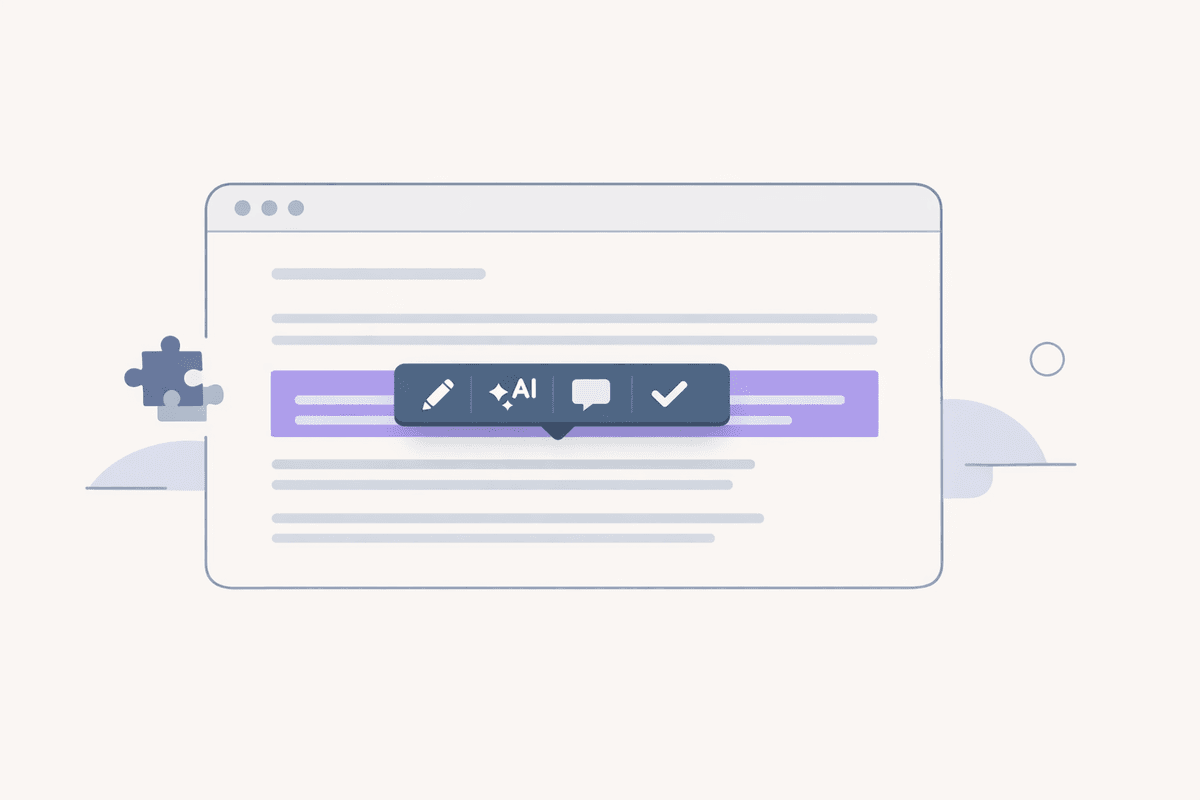
No more switching tabs. No more copy-pasting between websites. Select any text, anywhere on the web, and Ryne is right there. We built a Chrome extension that brings the tools you already use directly into every page you visit.

🧩 Ryne Chrome Extension

Install it from the Chrome Web Store — it's free.

How it works:

  1. Highlight any text on any website
  2. A small toolbar pops up with your options
  3. Pick an action — get instant results without ever leaving the page

That's it. No new tabs, no context switching, no friction.

✍️ Humanize AI Text

Select AI-generated text and rewrite it to sound natural and human — right where you're working. All your humanizer settings carry over:

  • Modes — Lite, Normal, or Hyper
  • Tones — Standard, Formal, Casual, Academic, Creative
  • 14 languages supported
  • Replace in-place or copy the result

Working in Google Docs, Notion, Overleaf, Gmail? Just highlight, humanize, done.

🔍 AI Content Detector

Check if any text is AI-written with a single click. Get an AI probability score (0–100%) with a clear verdict: Human, Mixed, or Likely AI. Powered by the same detection engine you already trust on ryne.ai.

📖 Synonyms

Select a word and instantly see context-aware synonym suggestions. Click one to replace the word directly or copy it to your clipboard. Simple, fast, and smart.

⚡ Works Everywhere

  • Google Docs, Notion, Overleaf, and other web editors
  • Email composers — Gmail, Outlook
  • Social media text fields
  • Any website with selectable text

🔒 Privacy First

  • Only the text you select is sent to our servers — nothing else
  • Your existing ryne.ai session handles authentication — no extra login
  • No browsing data, history, or personal information is collected
  • Settings are stored locally in your browser

💡 For Existing Users

Already have a Ryne account? Just sign in — your plan, coins, and settings carry over automatically. The extension uses your existing subscription. No extra cost.


Go grab it. Open Chrome, install the extension, highlight some text, and see for yourself. Ryne goes wherever you go now.

Ryne Team 💎

Changelog for v3.3.0 — Light Mode & Speed

Changelog for v3.3.0 — Light Mode & Speed

Ryne just got faster, fresher, and finally — lighter. ☀️

This is a big one. We've been cooking behind the scenes and today we're dropping four major upgrades at once. Let's get into it.

☀️ Light Mode Is Here

The most requested feature since launch. Ryne is no longer dark-mode-only — you can now switch between light and dark across the entire platform. Every single page, every tool, every modal. It follows your system preference automatically, or you can toggle it yourself from the header.

Studying in a sunny library? Light mode. Late-night grind session? Dark mode. Your call.

⚡ Way Faster

We rebuilt a lot under the hood. Everything loads faster, pages feel instant, and navigation is buttery smooth. Transitions are tighter, interactions snap into place, and there's less waiting around. Ryne just moves now.

💬 Refreshed Ryne Chat UI

Ryne Chat got a visual glow-up. Cleaner layout, better spacing, more polished overall. Same powerful AI — just a much nicer experience to use it in.


Go try it. Open Ryne, hit the theme toggle, click around. You'll feel the difference immediately.

Ryne Team 💎

Changelog for v3.2.0 — Humanizer DNA

Changelog for v3.2.0 — Humanizer DNA

We just solved the biggest problem every humanizer has ignored. 🧬

Every humanizer on the market does the same thing — takes AI text and makes it sound generically human. Good enough to fool a detector, maybe. But the real risk for students isn’t Turnitin flagging them — it’s a professor who’s read their writing all semester thinking “this doesn’t sound like you.”

That ends today.

🧬 Writing DNA

Writing DNA captures your unique writing fingerprint and bakes it into every humanization. Not a generic "human voice." Your voice.

How it works:

  1. Open the DNA dialog from the humanizer toolbar
  2. Paste 3-5 samples of your past writing — essays, papers, emails, anything
  3. We analyze your vocabulary, sentence rhythm, transition habits, tone, paragraph structure, and even your natural imperfections
  4. A writing fingerprint is generated and saved to your account
  5. Every time you humanize with DNA enabled, the output sounds like you wrote it

Not "a human." You.

💡 Why This Matters

A professor who's graded your papers for months has a mental model of how you write. A humanizer that outputs generic "human-sounding" text breaks that model instantly. Writing DNA means the output already matches their expectation of your voice. No suspicion. No awkward conversations.

⚡ Quick Details

  • Free for all users — no plan required
  • Set it once — your DNA persists across sessions
  • Toggle on/off — switch it from the humanizer toolbar or inside the DNA dialog
  • Works with everything — Balanced mode, Stealth mode, all languages, all settings
  • Upload files — paste text or upload PDFs, DOCX, DOC, TXT
  • API support — pass writingDna as a parameter if you're using the API

This is the feature we've been most excited about. No other humanizer does this. Try it — open the humanizer toolbar, tap DNA, and upload a few writing samples. You'll see the difference immediately.

Ryne Team 💎

Changelog for v3.1.0 — Lecture Lab Upgrade

Changelog for v3.1.0 — Lecture Lab Upgrade

Lecture Lab just got a massive upgrade 🚀

Since we launched Lecture Lab, the response has been incredible. The feedback, the messages, the love you all showed us — we honestly didn't expect it. So we went heads down and pushed hard to get this update out early. Five new features, built because you asked for them. Thank you for believing in what we're building. This one's for you.

🎙️ Live Lecture Recording

Record your lectures directly inside Lecture Lab — no external tools needed. Hit record, attend your class, and we handle the rest. Your recording is automatically processed into notes, flashcards, and practice exams the moment you stop.

🎧 Podcast Generation

Turn any lecture into a podcast-style audio summary. Perfect for reviewing material on the go — during your commute, at the gym, or while cooking. Get the key points without rewatching the entire lecture.

💬 Ryne Chat Integration

Lecture Lab now plugs directly into Ryne Chat. Ask questions about your lectures and get instant, context-aware answers powered by your actual lecture content. It's like having a TA who actually watched every lecture.

🌍 Multi-Language Support

Lecture Lab now speaks your language. Upload lectures in any supported language and get AI-generated study materials in that same language. No more English-only limitations — study in the language you learn best.

📄 Text-Based File Support

Upload text-based file formats alongside your existing audio, video, and YouTube links:

  • TXT — Plain text files
  • CSV — Spreadsheet data
  • And more — Any standard text-based format

Head to Tools → Lecture Lab and try out the new features. Let us know what you think.

Ryne Team 💎

Changelog for v3.0.0 — Lecture Lab

Changelog for v3.0.0 — Lecture Lab

A BRAND NEW TOOL JUST DROPPED 🚀

Meet Lecture Lab — upload any lecture and get instant study materials. Notes, flashcards, practice exams, all generated in minutes. Stop rewatching 2-hour recordings. Start actually studying.

🧪 Lecture Lab

Drop in your lecture however you have it:

  • Audio files — MP3, WAV, M4A, AAC, OGG, WebM (up to 25MB)
  • Video files — MP4, MOV, WebM (up to 2 hours)
  • YouTube links — Just paste the URL

One upload generates four complete study resources, all powered by AI:

📝 Structured Notes

Your entire lecture condensed into organized, hierarchical notes with summaries and key takeaways. Copy them straight to your notes app.

💡 Key Concepts (10–20 per lecture)

Every important term pulled out with clear definitions, real examples, and category tags. Filter by category to zero in on what matters.

🃏 Interactive Flashcards (15–25 per lecture)

Flip-card flashcards with difficulty ratings. Rate yourself as Know it, Still Learning, or Review — your progress is tracked and saved across sessions. Keyboard shortcuts included (Space to flip, arrows to navigate, 1/2/3 to rate).

📋 Practice Exam (10–15 questions)

Multiple-choice and short-answer questions with detailed explanations. Auto-graded MCQs, self-graded short answers. Visual score breakdown. Retry as many times as you want.

📜 Full Transcript

Every word from your lecture, timestamped. Play back the original audio/video right alongside the transcript.

⚡ Session History & Cloud Sync

Every session saves automatically and syncs to the cloud. Access up to 50 past sessions from the sidebar. Your flashcard progress, exam answers, everything persists — pick up exactly where you left off.

💰 Pricing

  • YouTube: ~4 coins/minute (min 100 coins)
  • File uploads: Based on duration + word count (min 100 coins)
  • Cost estimated before you process. If generation fails, coins are refunded.

This one's been a while in the making. Head to Tools → Lecture Lab and try it out. We think you'll love it.

Ryne Team 💎

Changelog for v2.9.2

First off — sorry for the slow Turnitin checks some of you experienced recently. We've fixed the issue and decided to push these updates early as a thank you for your patience.

🔍 Plagiarism Reports Are Here

You can now download Turnitin's Plagiarism Report alongside the AI Detection Report — see exactly which parts of your text match other sources, just like Turnitin shows.

All your past reports are updated too — just check your History to access plagiarism reports for previous checks.

🧠 Reasoning Effort Control

Control how deep the AI thinks in chat:

  • Low — Quick answers for simple questions
  • Medium — Balanced thinking
  • High — Deep analysis for complex problems

✨ Cleaner UI

  • Reorganized chat settings for a better flow
  • Improved report view with simpler navigation

Thanks for sticking with us!

Ryne Team 💎

Changelog for v2.9.1

THE UPDATE YOU'VE BEEN WAITING FOR JUST DROPPED 🚀

GPTZero thought they had us figured out. Turnitin got cocky. Well... we've been cooking. And now we're serving.

🎯 BRAND NEW HUMANIZER MODEL

Built from the ground up specifically to crush the latest AI detectors. GPTZero's new paraphraser detection? Bypassed. Turnitin? Handled. Every strict detector out there? Not a problem.

We started working on this the moment GPTZero dropped their paraphraser detector update. Months of testing, tweaking, and perfecting. And now it's yours.

⚡ TWO POWERFUL MODES

Balanced Mode — Premium quality output that reads naturally and flows beautifully while still beating detectors.

Stealth Mode — Full invisibility. This mode was engineered to slip past even the most aggressive detectors on the market, including the updated GPTZero that's been giving everyone headaches.


Sorry for the wait. It was worth it. 😮‍💨

Ryne Team 💎

Changelog for v2.9.0

MAJOR UPDATE JUST DROPPED 🚀

We've been cooking in the lab and it's time to ship some serious features:

🎯 SENTENCE-LEVEL AI DETECTION HIGHLIGHTS

The most requested feature is finally here. We're talking precise, sentence-by-sentence AI text highlighting that's 100% ACCURATE to Turnitin's detection. Don't take our word for it. check the comparison image. Our highlights match Turnitin EXACTLY. Same detection, same precision.

📊 TURNITIN SIMILARITY SCORE

Every scan now includes the full Turnitin similarity score. Get the complete analysis you need, all in one place.

⚡ RELIABILITY UPGRADES

  • Auto-retry + AUTO-REFUND system: If a report hits any server issues, it automatically retries AND we refund your credits. You get the report delivered to your email COMPLETELY FREE
  • Significantly improved response times across the board
  • 0% FAIL RATE - We squashed every bug
  • Smoother transitions and refined animations throughout the AI report interface. Everything just feels better.

P.S. To all the competitors who saw our Turnitin AI report and copied it (still couldn't make it work properly lol): we hope you're taking notes again. We pioneered this, you followed. We just lapped you twice. Stay mad. 😮‍💨

Ryne Team 💎

Engage, Win, and Collaborate.

Join our Discord!

Join giveaways, get AI reports, and chat with like-minded individuals. Our Discord family gets exclusive support, community insights, and a platform to voice and share. Connect with us today.